Unity CI/CD With GitHub Actions: Builds That Happen While You Sleep
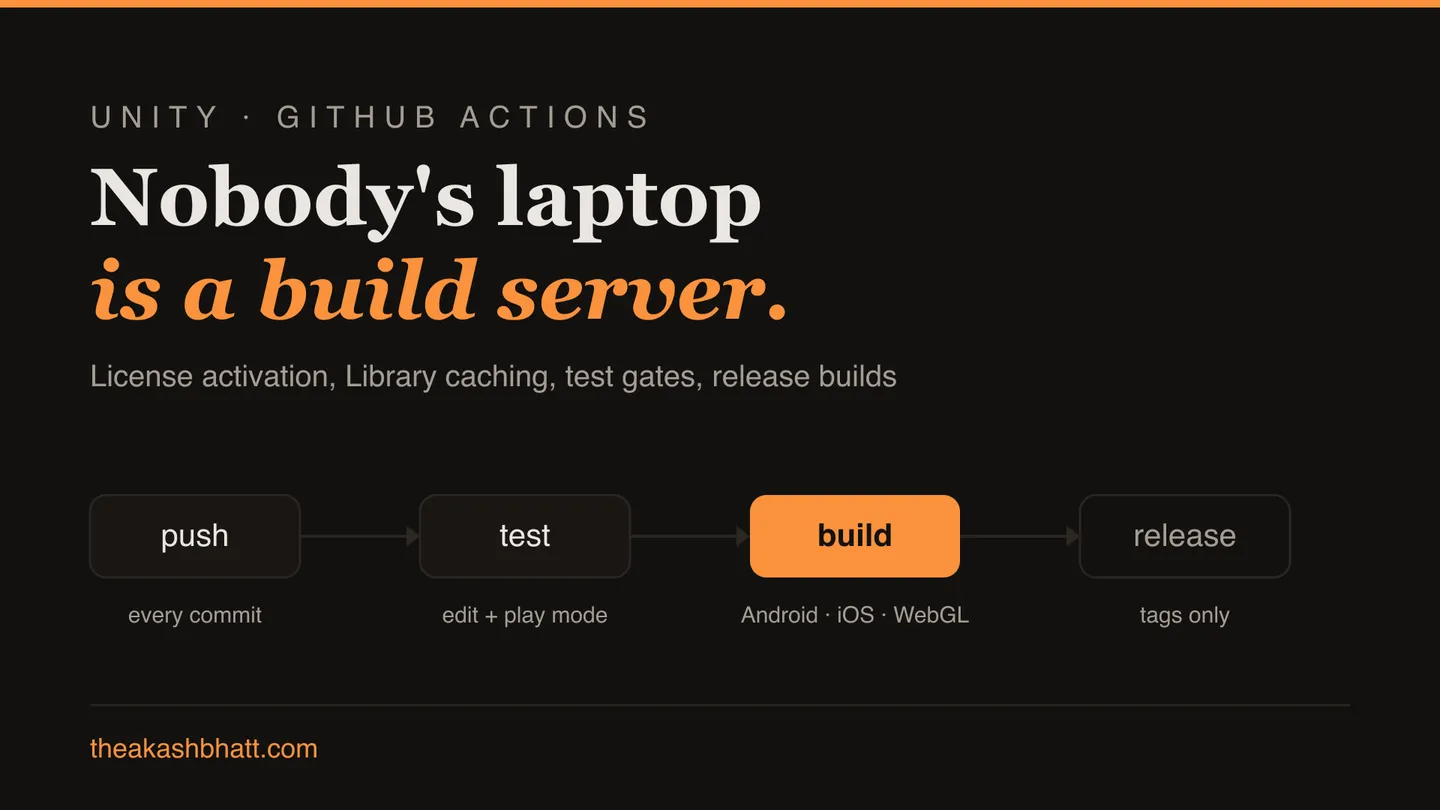
For the first decade of my Unity career, every studio I worked at had The Machine. The one PC with the right Unity version, the right Android SDK, the artist’s laptop that “does the iOS builds” because it’s the only Mac. Release builds were a ritual performed on The Machine by whoever knew its moods, and everyone quietly understood that if it died, we would too.
It eventually did the next worst thing. A 2 a.m. hotfix, a tired lead, and a build made from a branch that was three commits behind the fix it was supposed to contain. We shipped the same bug twice in one night and got to explain that to a publisher. The next week I set up our first proper CI pipeline, and I have not shipped a game without one since. This is the setup I now reach for by default, Unity on GitHub Actions, with the parts that actually hurt called out honestly.
Why a build server, even for a two-person team
The pitch isn’t “automation saves time.” Early on it doesn’t; you’ll spend a weekend on this. The pitch is that a CI build is deterministic testimony: this exact commit, this exact Unity version, produces this exact artifact, every time, on a machine nobody’s nephew has installed anything on. Half the bug class I described in works in the editor, breaks in the build gets caught days earlier simply because builds happen on every push instead of on release day. And the merge-day chaos I wrote about in surviving scene merge conflicts gets a backstop: a broken merge fails a build within the hour, while the person who made it still remembers what they did.
The community has done the heavy lifting here. GameCI maintains Docker images with every Unity version and a set of GitHub Actions that wrap them; you will use game-ci/unity-test-runner and game-ci/unity-builder for nearly everything.
Unity licensing in CI: the part everyone gets stuck on
I’ll spend a section on this because it’s where every first-timer stalls for an evening. Unity on a build agent must activate a license, and a headless Linux container can’t open the license dialog.
For a Personal license, the flow is: generate an activation file from the CI machine’s context, feed it to Unity’s manual activation page, and store the resulting .ulf license file’s contents as a GitHub secret called UNITY_LICENSE, alongside UNITY_EMAIL and UNITY_PASSWORD. GameCI’s activation guide walks through it step by step; follow it exactly rather than improvising, and budget the evening. Pro and Plus licenses skip the file dance and use a UNITY_SERIAL secret instead, with the same email and password pair.
Two operational notes from scars. Secrets are the only acceptable home for any of this; a license file committed to the repo is a credential leak with your name on the blame line. And Unity seat limits are real: a Personal seat tolerates a couple of concurrent activations, so the first time your matrix fans out to four parallel platform builds you may hit activation errors that look like mystery flakiness. Serialising the jobs, or a dedicated license for CI, are both fine answers; being surprised at 2 a.m. is not.
A first workflow: test and build on every push
Here’s a trimmed version of the workflow I start every project with. It runs the project’s tests, then produces a Windows build, on every push to main:
name: build
on:
  push:
    branches: [main]

jobs:
  test:
    runs-on: ubuntu-latest
    steps:
      - uses: actions/checkout@v4
        with:
          lfs: true

      - uses: actions/cache@v4
        with:
          path: Library
          key: Library-${{ hashFiles('Assets/**', 'Packages/**', 'ProjectSettings/**') }}
          restore-keys: Library-

      - uses: game-ci/unity-test-runner@v4
        env:
          UNITY_LICENSE: ${{ secrets.UNITY_LICENSE }}
          UNITY_EMAIL: ${{ secrets.UNITY_EMAIL }}
          UNITY_PASSWORD: ${{ secrets.UNITY_PASSWORD }}
        with:
          testMode: EditMode

  build:
    needs: test
    runs-on: ubuntu-latest
    steps:
      - uses: actions/checkout@v4
        with:
          lfs: true

      - uses: actions/cache@v4
        with:
          path: Library
          key: Library-${{ hashFiles('Assets/**', 'Packages/**', 'ProjectSettings/**') }}
          restore-keys: Library-

      - uses: game-ci/unity-builder@v4
        env:
          UNITY_LICENSE: ${{ secrets.UNITY_LICENSE }}
          UNITY_EMAIL: ${{ secrets.UNITY_EMAIL }}
          UNITY_PASSWORD: ${{ secrets.UNITY_PASSWORD }}
        with:
          targetPlatform: StandaloneWindows64

      - uses: actions/upload-artifact@v4
        with:
          name: build-windows
          path: build/StandaloneWindows64
          retention-days: 14
A few choices in there deserve their reasoning. The lfs: true matters the first time someone adds a 4K texture through Git LFS and the build starts failing on pointer files. The builder reads your Unity version straight from ProjectSettings/ProjectVersion.txt, which is exactly right: the project, not the workflow, owns that decision, and version bumps stop being a CI chore. And tests run as a separate job that gates the build, so a red test means no artifact exists to accidentally ship.
Caching the Library folder, or waiting 40 minutes every run
That actions/cache block is not an optimisation, it’s the difference between a pipeline people use and one they route around. A cold Unity import of a mid-size project on a CI runner takes twenty to forty minutes; anyone who’s watched the editor reimport after switching branches knows the feeling, and it’s the same disease I covered in why the Unity editor is slow, except now you pay it per push.
With the Library folder cached, the same run drops to a few minutes: the import cost is only paid when assets actually change, which is what the hashFiles key expresses. The restore-keys fallback line matters just as much, because it lets a partially-stale cache restore and reimport only the diff instead of starting from nothing. Two caveats keep this honest: GitHub evicts caches (10 GB per repo, oldest first), so enormous projects need pruning discipline; and once in a blue moon a corrupt cached import produces genuinely haunted errors, so know that deleting the cache from the Actions UI is the “have you turned it off and on again” of this world. It’s the first thing to try when CI fails with an error no local machine can reproduce, and it works disturbingly often.
Building for more than one platform
Multi-platform is where the matrix keyword earns its keep: swap the single targetPlatform for a matrix over StandaloneWindows64, Android, WebGL, and each platform builds in parallel with its own cache key. Android needs signing secrets (keystore as a base64 secret, decoded in a step) but otherwise behaves.
A word on where all this runs. ubuntu-latest is the default for a reason: it’s the cheapest runner, the GameCI images target it, and Linux editor builds cover Windows, Android, and WebGL targets happily. When a project outgrows the free minutes, the escape hatch is a self-hosted runner, which is GitHub’s orchestration driving your own hardware. Yes, that can be The Machine, reborn with dignity: same PC, but now it builds exactly what’s in git, on every push, with its configuration written down in the workflow file instead of in someone’s memory.
iOS is its honest own thing. The Linux container produces an Xcode project, not an IPA; turning that into something installable requires a macOS runner with your signing certificates and provisioning profiles, and macOS runner minutes bill at ten times the Linux rate. My advice for small teams: let CI produce the Xcode project artifact on every push so you know it can, and archive on a Mac only for actual releases. Full automated iOS delivery is a fine month-three goal; it should not block month one.
Whatever the platform set, keep an eye on runner disk. The GameCI images plus an IL2CPP Android build plus your project can brush against the free runner’s ~14 GB of headroom, and the resulting “no space left on device” failures are less self-explanatory than you’d hope. A cleanup step that deletes preinstalled toolchains you don’t use is ugly and standard.
Making the pipeline part of the day
A pipeline nobody watches is a smoke alarm with the battery out, so the second weekend of work is social, not technical. Run the test job on pull_request as well as on push, then mark it required in branch protection; that’s the moment CI stops being a dashboard someone checks and becomes a fact about whether code can merge. Add a concurrency group with cancel-in-progress so that when someone pushes three fixes in ten minutes, the two obsolete runs die instead of burning your minutes quota building code that no longer exists.
Split fast feedback from thorough feedback. Push builds should answer “did I break it?” in minutes, which for us meant Mono scripting backend on the per-push Windows build. The honest builds, IL2CPP, all platforms, the configuration you actually ship, run on a nightly schedule trigger, because a 50-minute build is fine at 3 a.m. and corrosive at 3 p.m. The nightly also catches the drift bugs that per-push builds structurally can’t: the difference between Mono and IL2CPP behaviour is a genre of editor-versus-build bug I’ve written about before, and the nightly is where it surfaces.
Last, make failure loud somewhere humans already look. A workflow step that posts red runs to the team channel via a webhook took us fifteen minutes to add, and it changed the median time-to-fix from “whenever someone checks GitHub” to under an hour. Stamp the run number into the build’s version string while you’re at it, so the build QA is testing identifies itself in every screenshot they file.
Quality gates: making the robot say no
Once builds are boring, the pipeline’s real value appears: it’s a place to make failure loud and early, in the spirit of everything I’ve written about Unity’s silent failure modes. Branch protection on main requiring the test job means broken code physically can’t merge. EditMode tests are cheap and run in seconds, so the gate costs nothing.
The gate I add beyond ordinary unit tests is a validation pass: an EditMode test that walks the build’s scene list and fails on missing scripts and dead references, so the classic “someone deleted a script that a menu prefab still uses” gets caught by the robot instead of by a player. A basic version is twenty lines on top of the sweep script from my time-sinks post, and it will embarrass someone on the team within the first month. Lovingly.
Update (2026): there’s now a purpose-built tool for that step. The validation I hand-rolled here exists as a proper batch-mode scan in RefSafe Pro, which is what I run as the CI gate these days.
Tag-triggered release jobs round it out: pushing v1.4.2 produces the store-ready artifacts with retention set long, while ordinary pushes keep two-week retention to stay under the storage cap. The 2 a.m. hotfix that started all this would today be: push the fix, wait eleven minutes, download the artifact GitHub built from the exact tagged commit. The Machine is dead, and nobody misses it.
Common questions
How do I activate a Unity license on GitHub Actions?
For a Personal license, generate an activation file from the CI context, feed it to Unity's manual activation page, and store the resulting .ulf file contents as a UNITY_LICENSE secret alongside UNITY_EMAIL and UNITY_PASSWORD. Pro and Plus licenses use a UNITY_SERIAL secret with the same email and password pair. Follow GameCI's activation guide exactly and never commit the license file to the repo.
Why does my Unity build take 40 minutes on GitHub Actions?
Almost certainly because the Library folder is not cached, so every run pays a full cold asset import. Add an actions/cache step keyed on a hash of Assets, Packages, and ProjectSettings with a restore-keys fallback, and the run drops to a few minutes because only changed assets reimport.
Can GitHub Actions build iOS games from Unity?
Partly. The Linux container produces an Xcode project, not an installable IPA; turning it into one needs a macOS runner with your signing certificates, and macOS minutes bill at ten times the Linux rate. For small teams, produce the Xcode project artifact on every push and archive on a Mac only for actual releases.
Is CI worth it for a small Unity team?
Yes, because the value is not saved time but deterministic builds: this exact commit and Unity version produce this exact artifact, on a machine nobody has tinkered with. Editor-versus-build bugs get caught days earlier, and a broken merge fails a build within the hour instead of on release day.
Why does my Unity build fail in CI but work on my machine?
The first suspect is a corrupt cached Library import; delete the cache from the Actions UI and rerun, which works disturbingly often. If assets arrive as tiny text pointer files, checkout is missing lfs: true. Also check runner disk, since IL2CPP Android builds can exhaust the free runner's roughly 14 GB of headroom.